Skip to main content
Onlyfy ATS: How to add a candidate source
- Log into your Onlyfy instance.
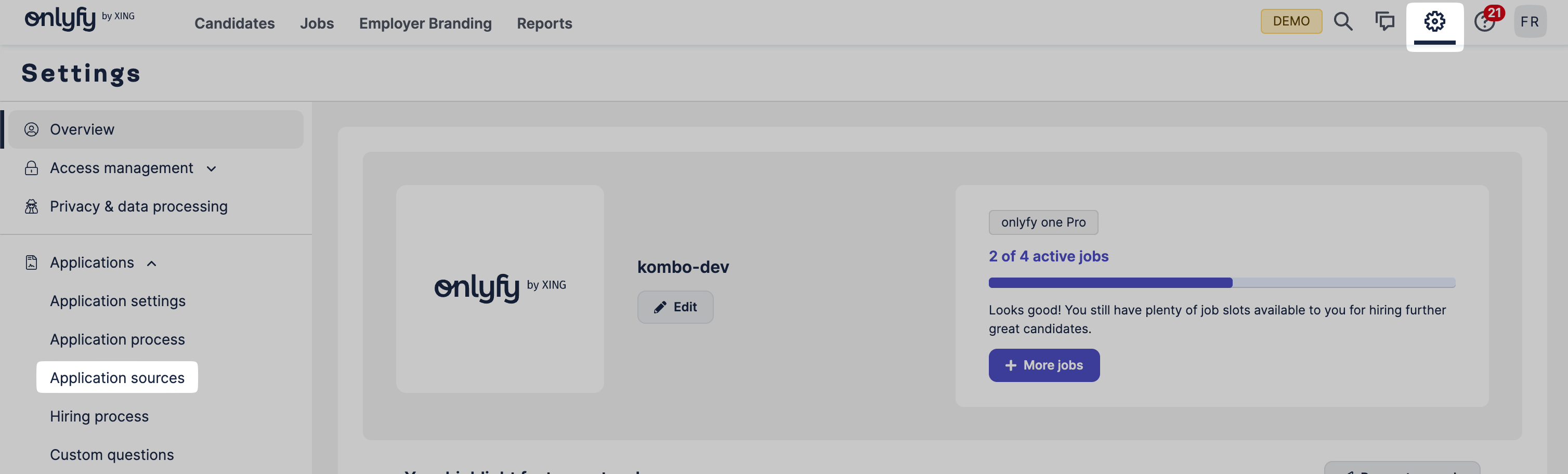
- Click on the settings cog on the top right and navigate to Applications > Application sources.
- Click on Add an application source.

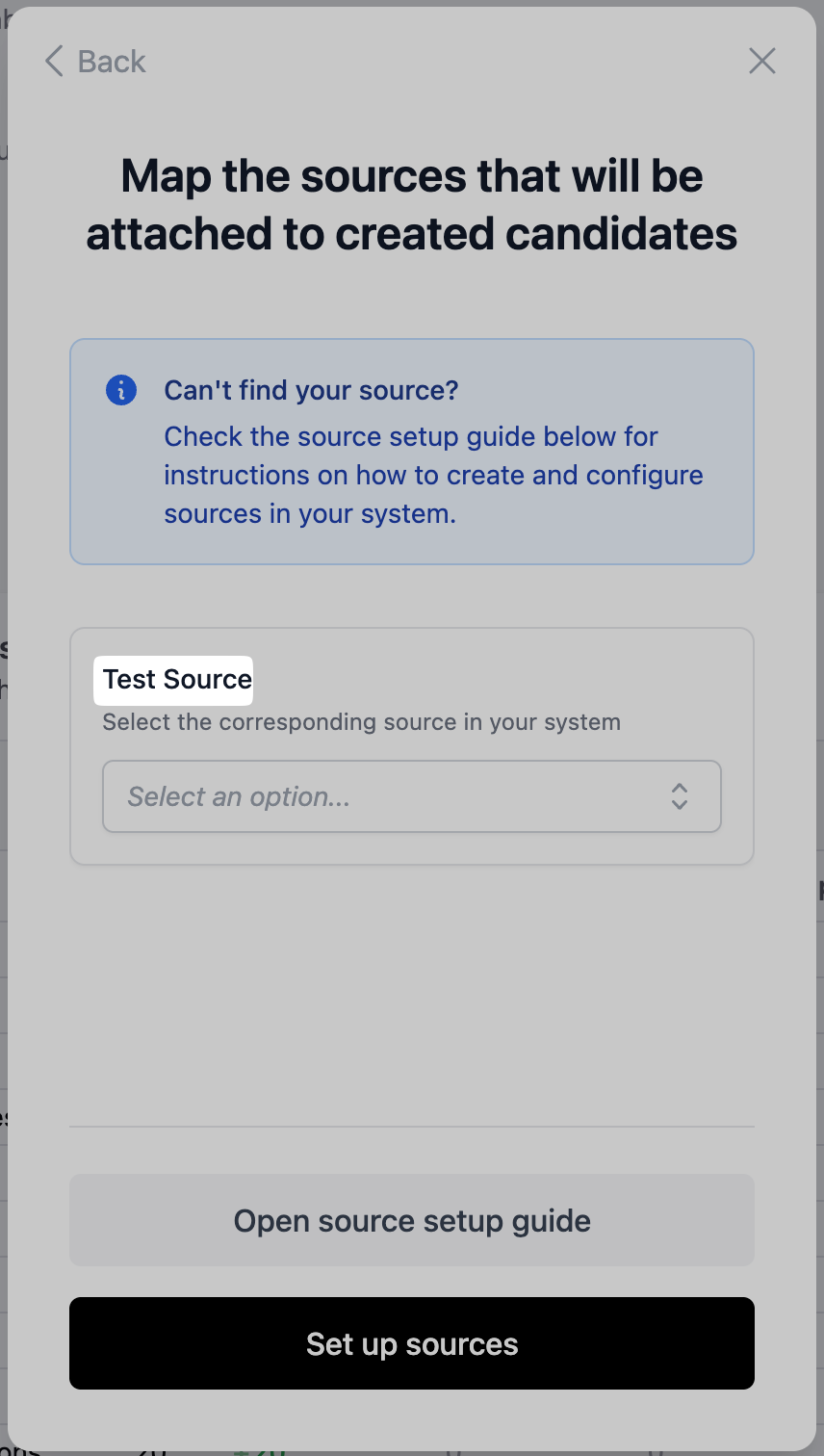
- Copy the source name from the setup flow.
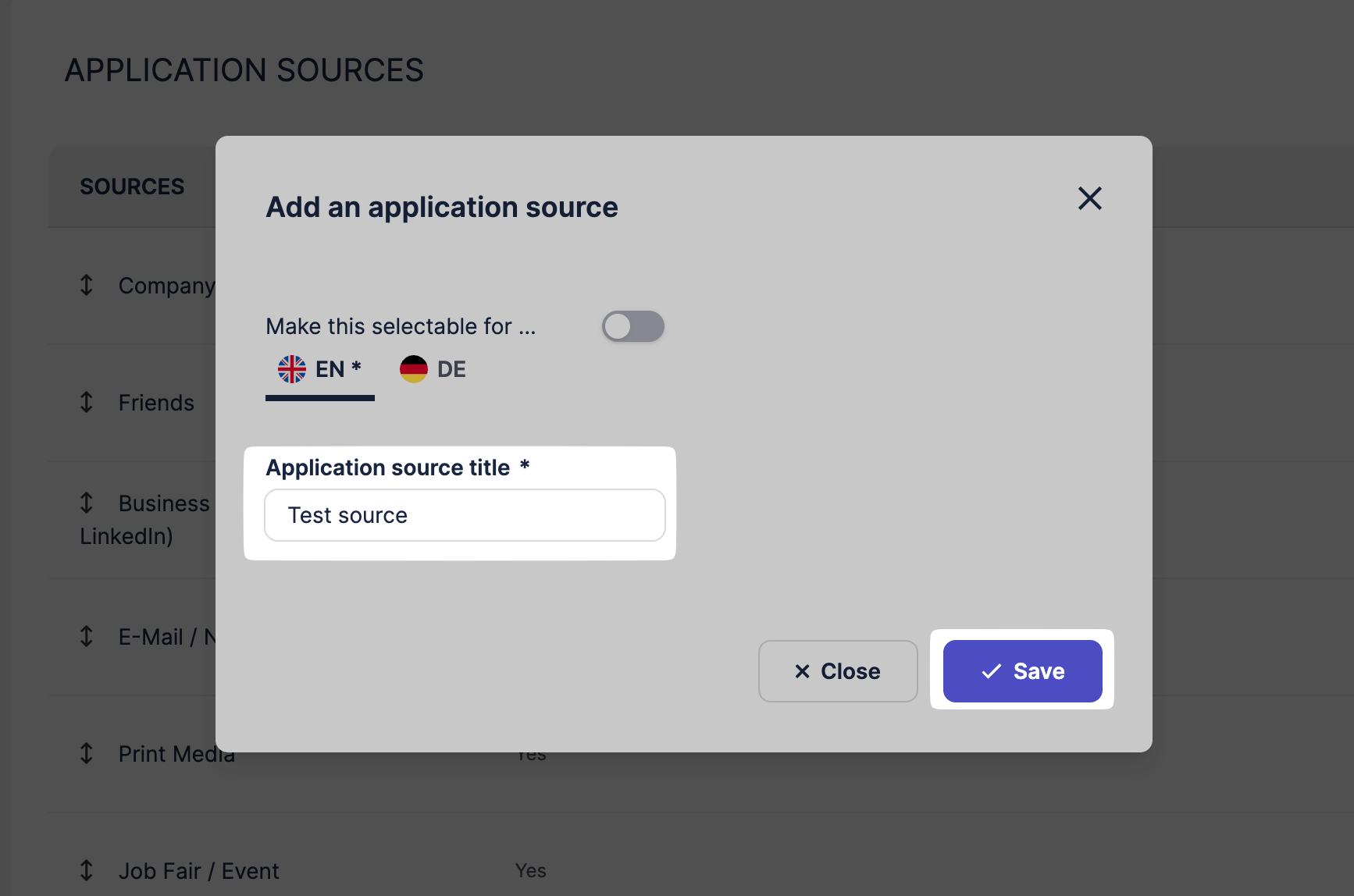
- Enter the name in the dialog in Onlyfy and confirm the source creation by clicking Save.
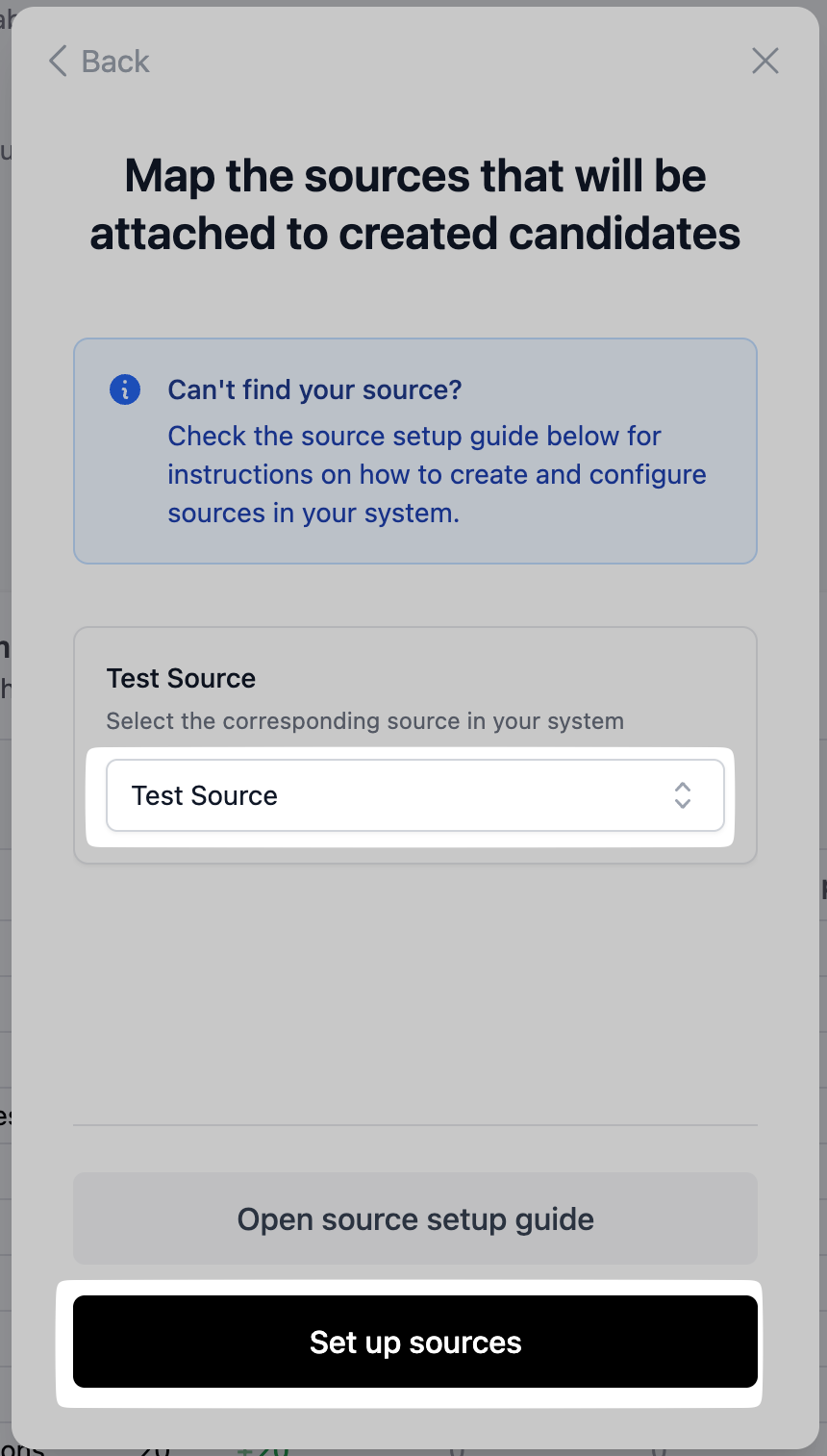
- Select the created source in the setup flow and complete the setup by clicking Set up sources.