Skip to main content
UKG Pro Recruiting: How to add a candidate source
- Log into your UKG Pro instance
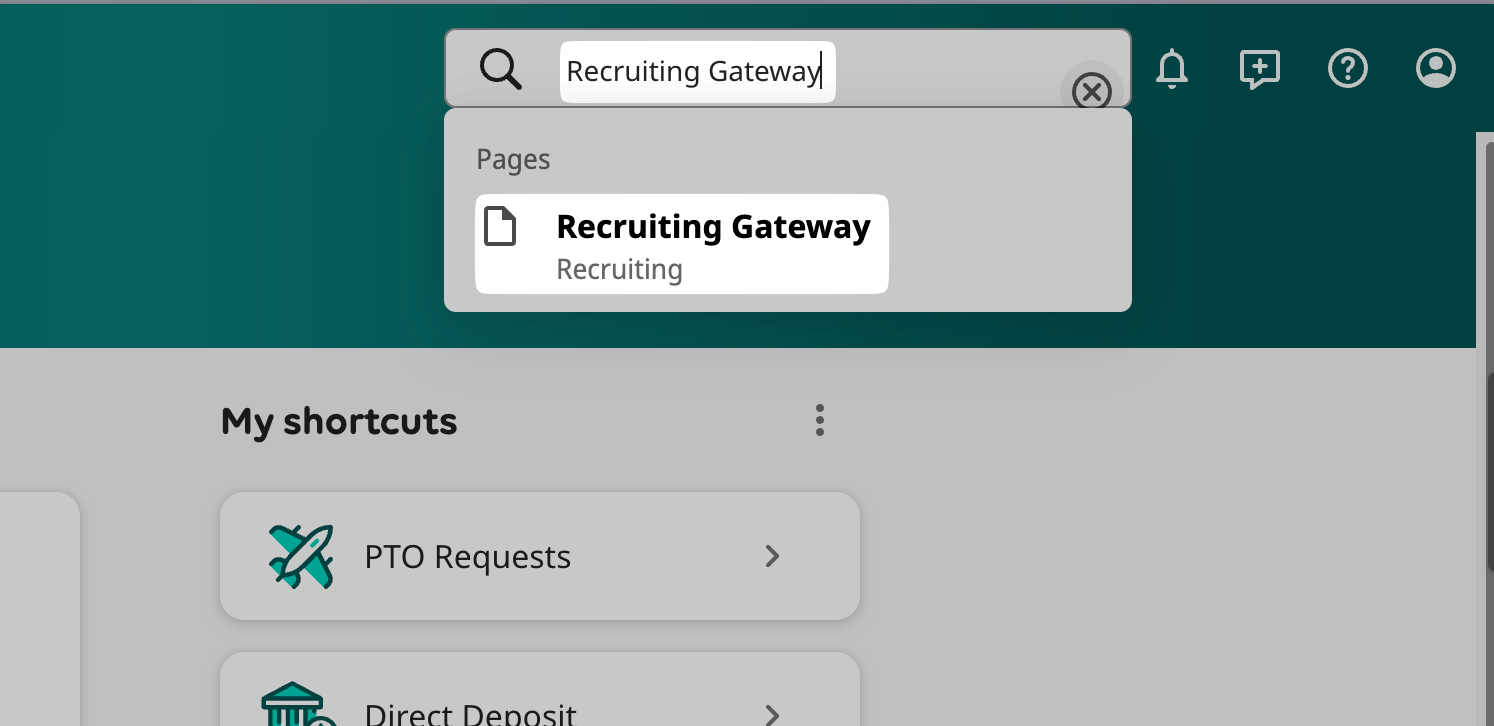
- Click on the Search bar and enter “Recruiting Gateway”
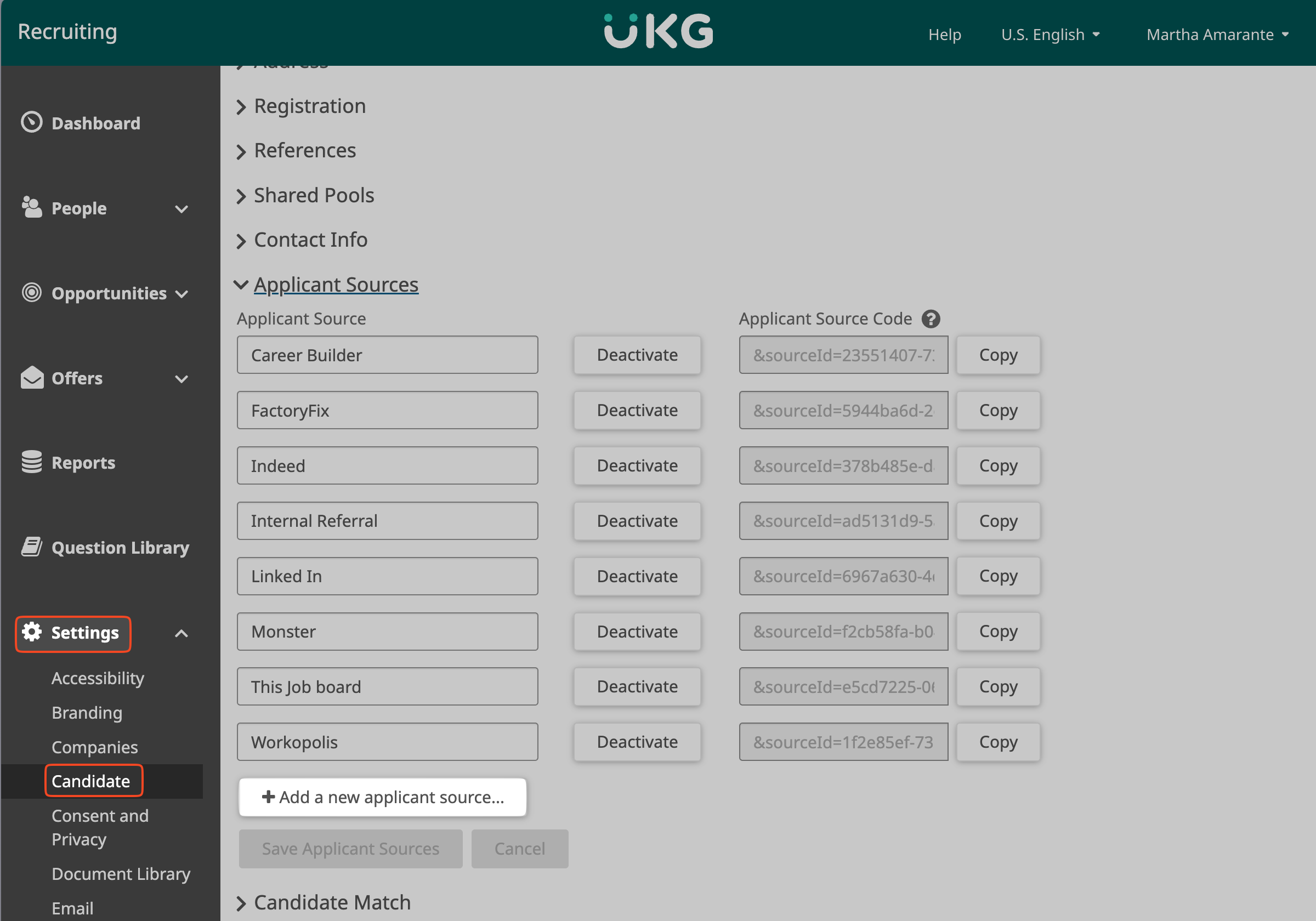
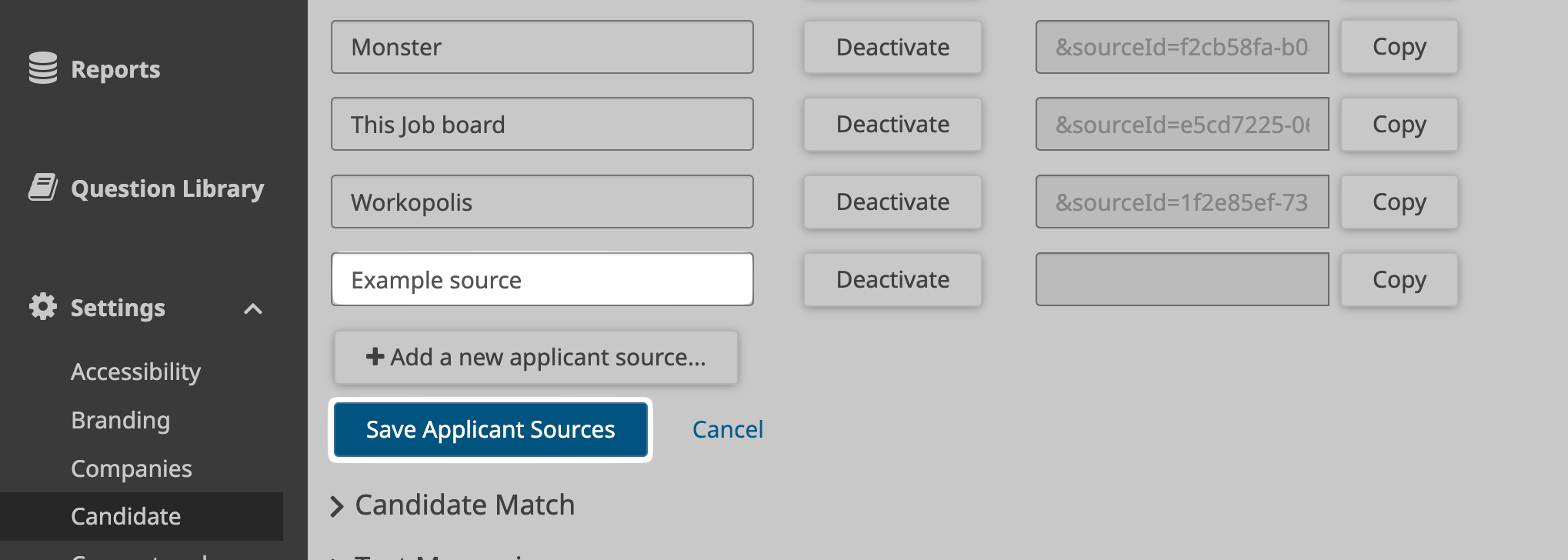
- Go to "Settings" > "Candidate" > "Add a new applicant source..."
- Copy the name of the source from the setup flow.
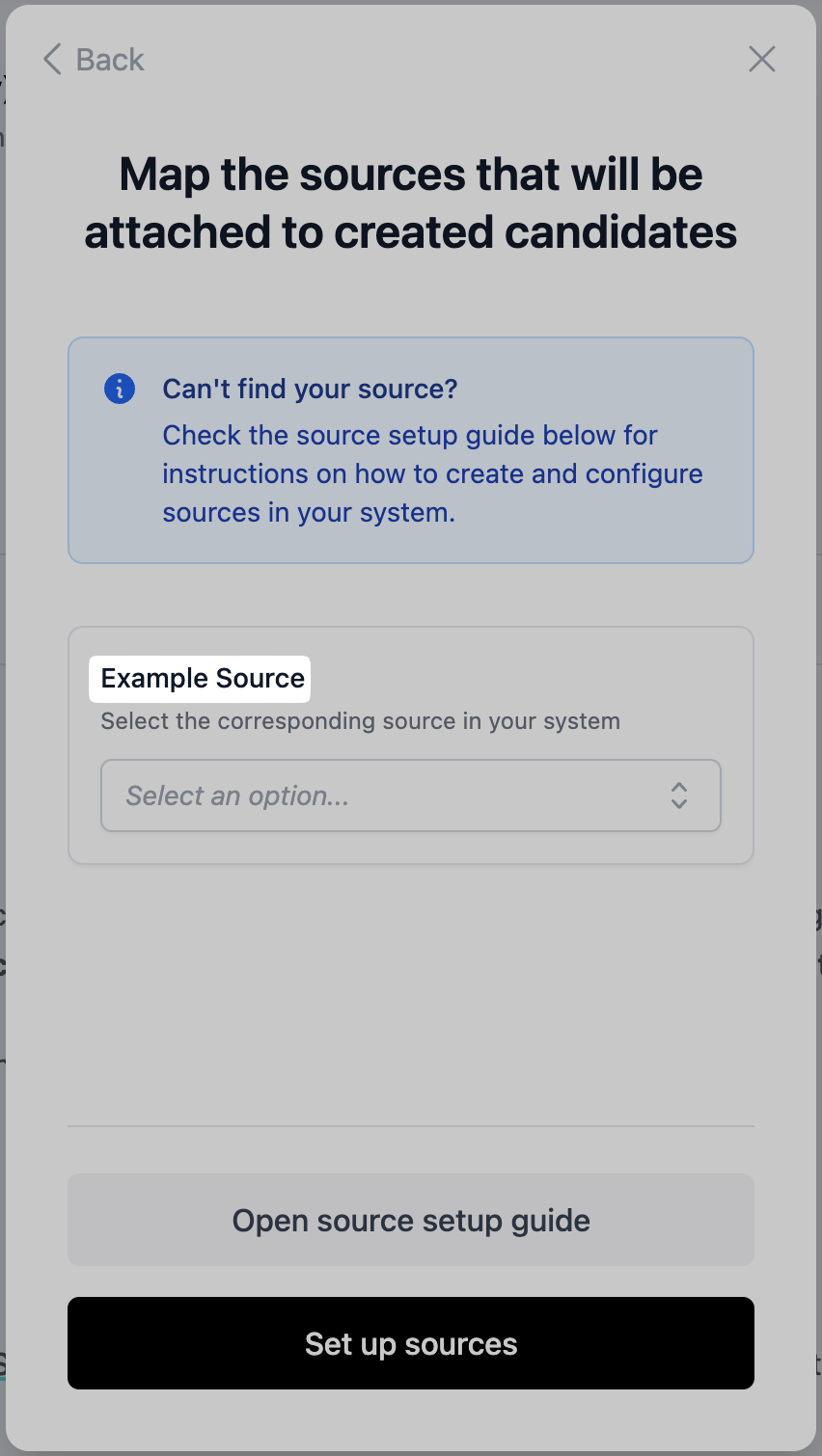
- Configure this source name in UKG and click "Save Applicant Sources"
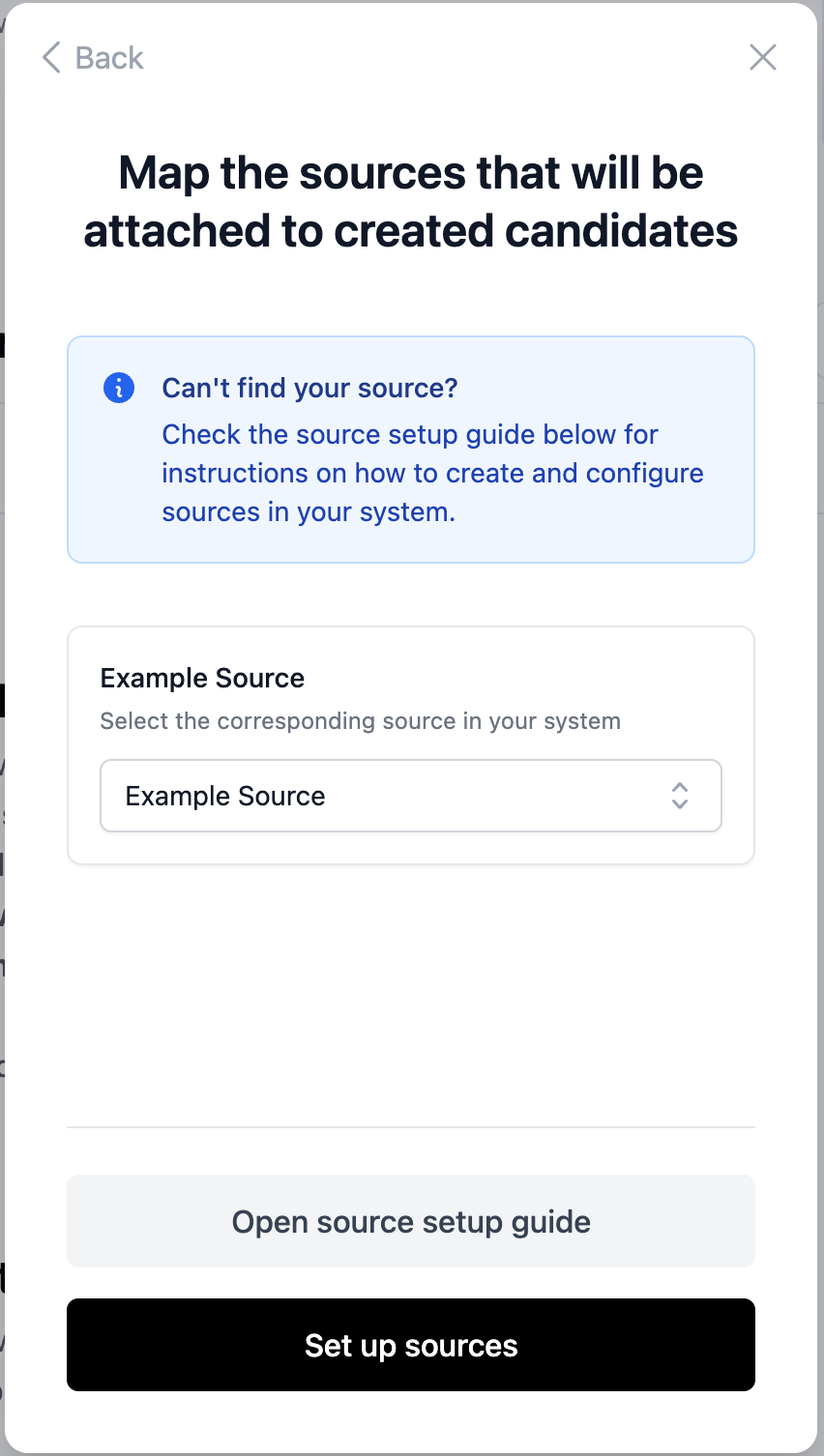
- Go back to the setup flow and select the newly created source option.