Skip to main content
Spark Hire Recruit: How do I link my account?
Prerequisites
- Ensure you are a Spark Hire Recruit user with the Admin or Owner role.
Instructions
Copy the API Key
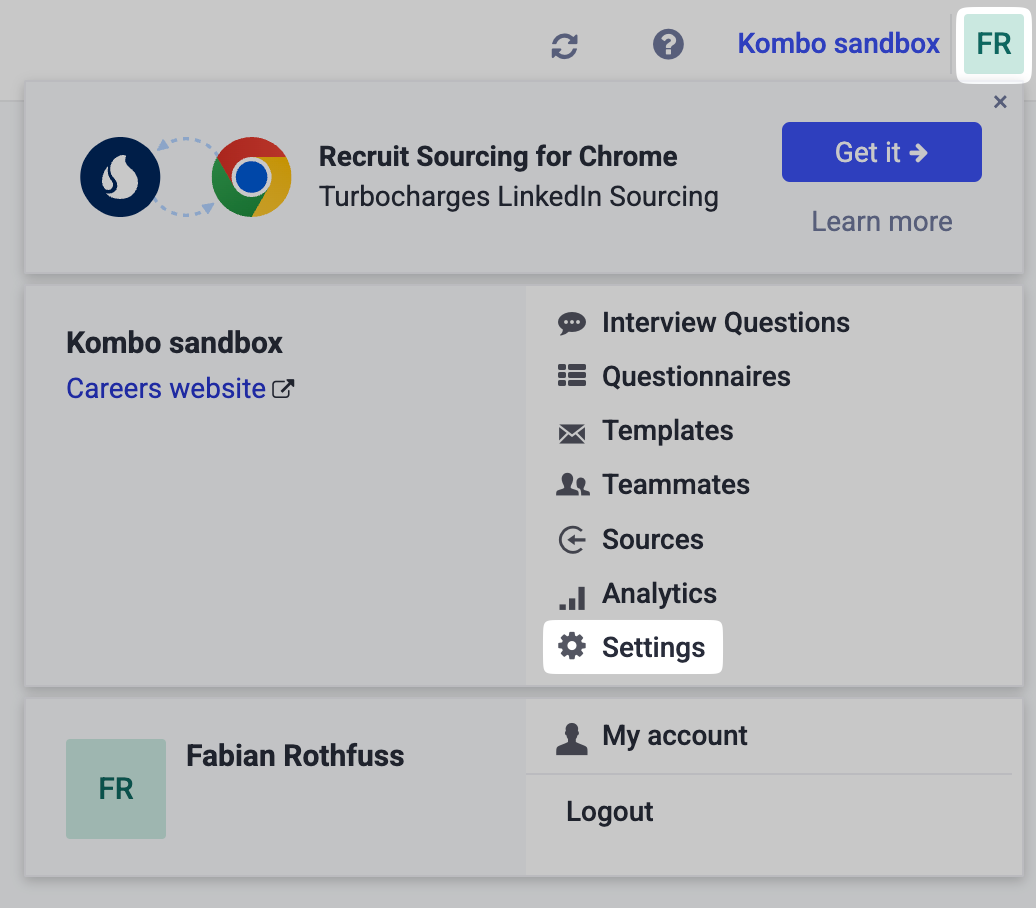
- In your Spark Hire Recruit dashboard, click on your profile and then go to the settings.
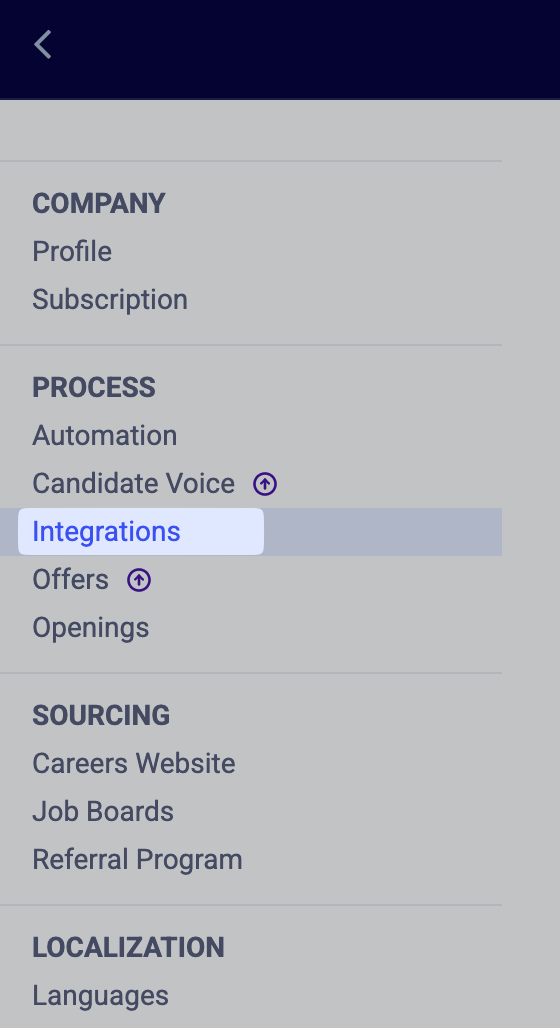
- Go to the Integrations.
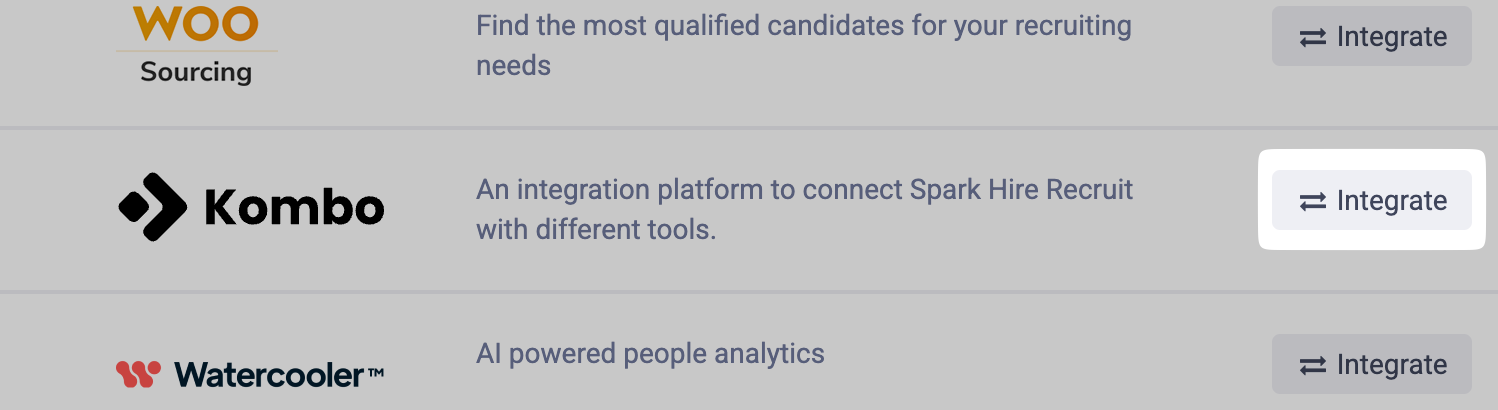
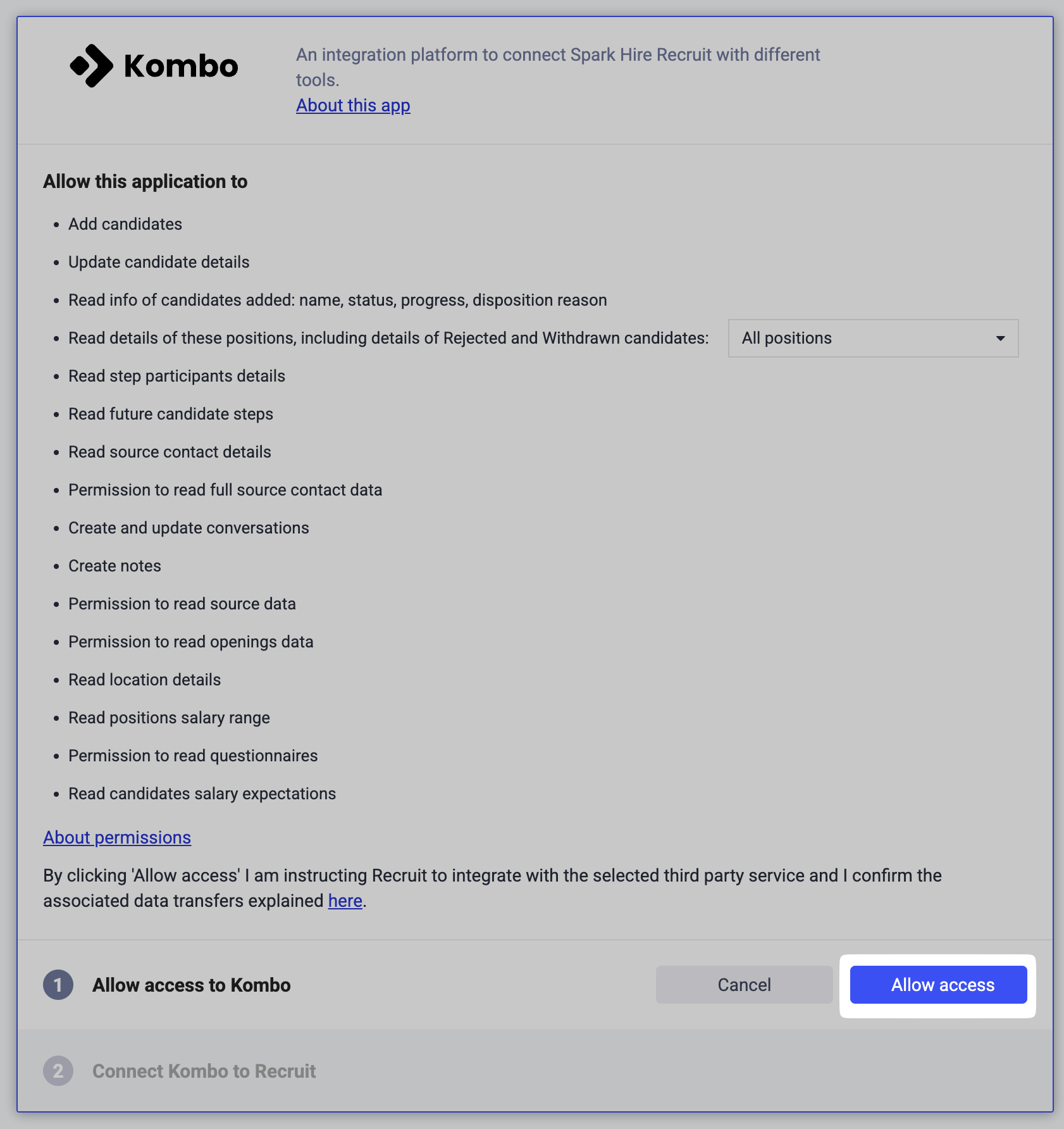
- Scroll down to Sourcing Tools and search for Kombo. Click on Integrate.
- Click on Allow access.
- Click Copy API key and click Save.
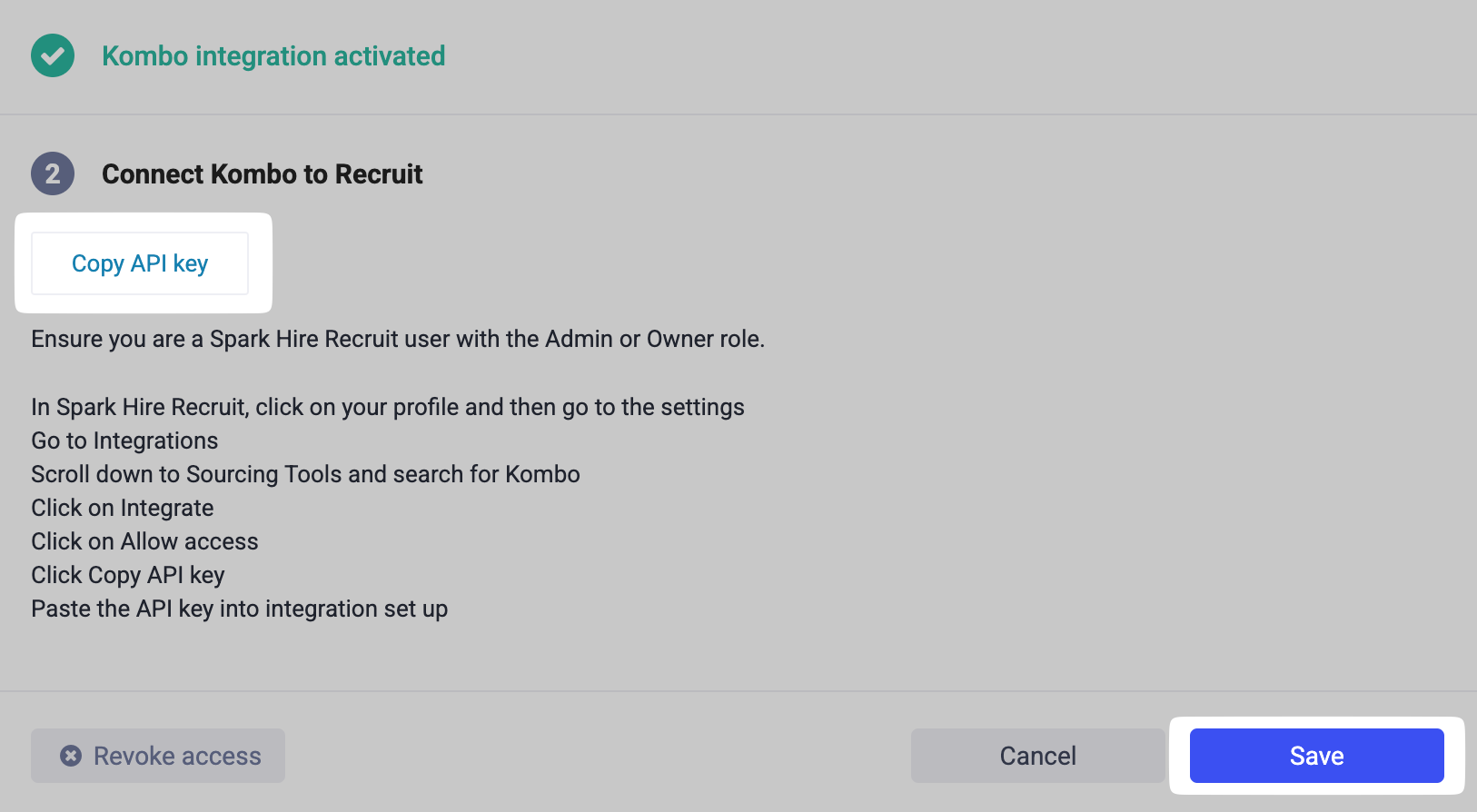
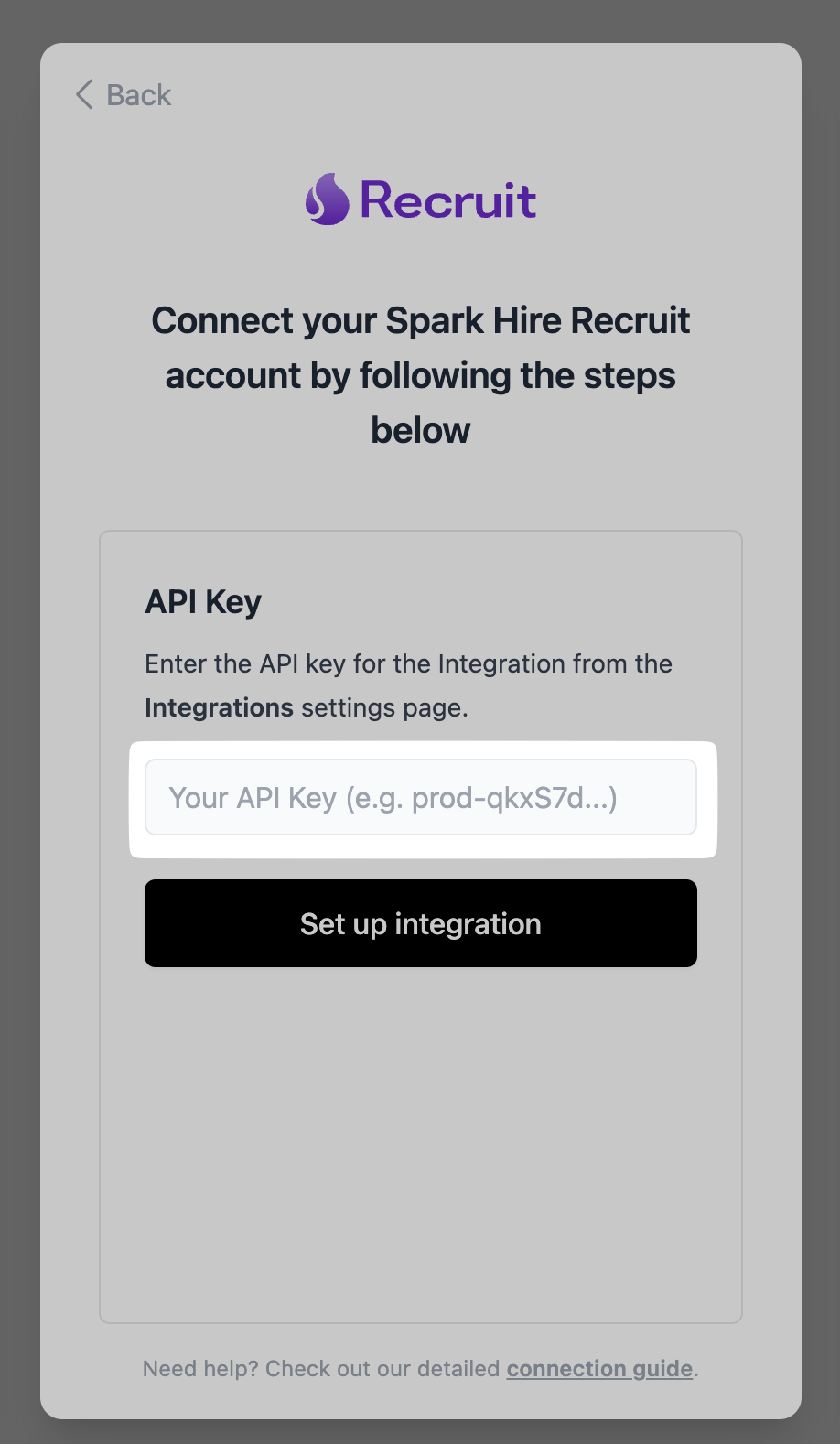
- Paste the API key into integration set up.