Skip to main content
Paychex: How do I link my account?
Instructions
- Open your Paychex portal and log in
- Click on Company settings on the left side
- Under Access click on Integrated apps
- Click on the blue Create app button on the right side
- Enter a Name and Description
- Under Access Settings select Payroll and Company & People
- Read the Legal Notice and the API License Agreement
- Click on the blue Save button in the top right corner
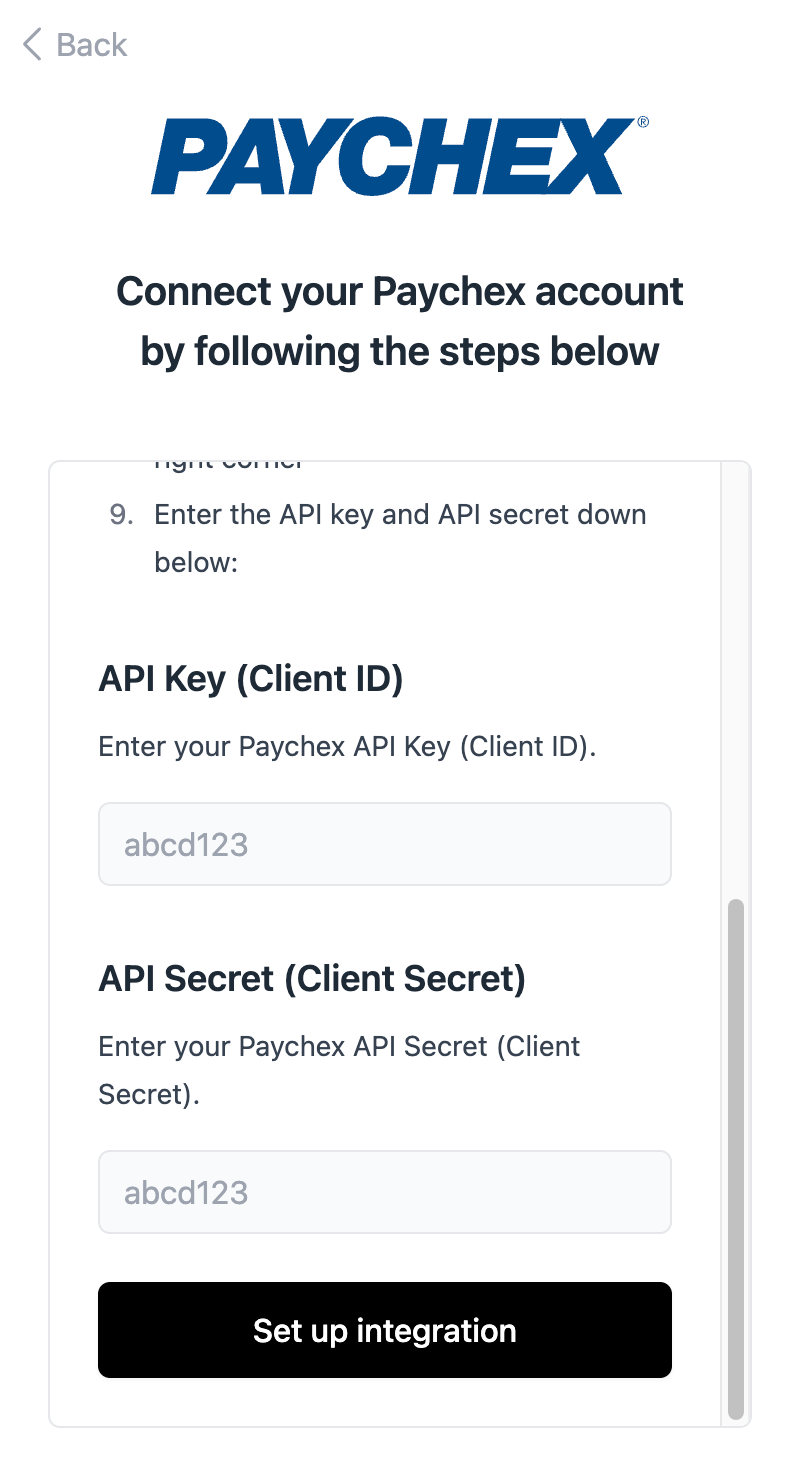
- Enter the API key and API secret in our connection flow: