Skip to main content
JobDiva: How do I link my account?
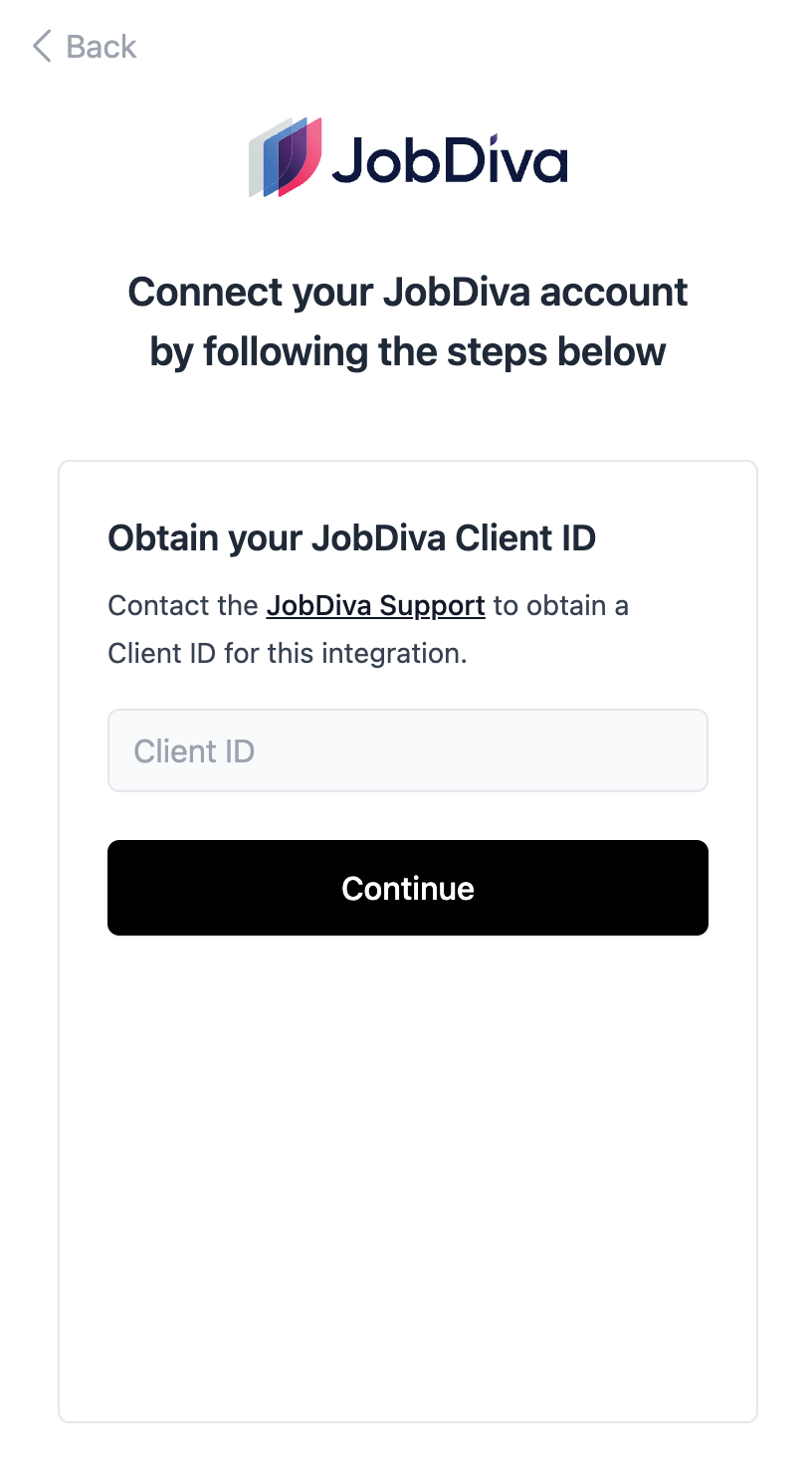
Obtain your JobDiva Client ID from the JobDiva support
- Please reach out to JobDiva Support and request a Client ID for this integration
- Enter the client ID in the flow:
Setup an API User
- Log in to your JobDiva portal.
- Navigate to Settings > My Team > Add User
- Add a new user.
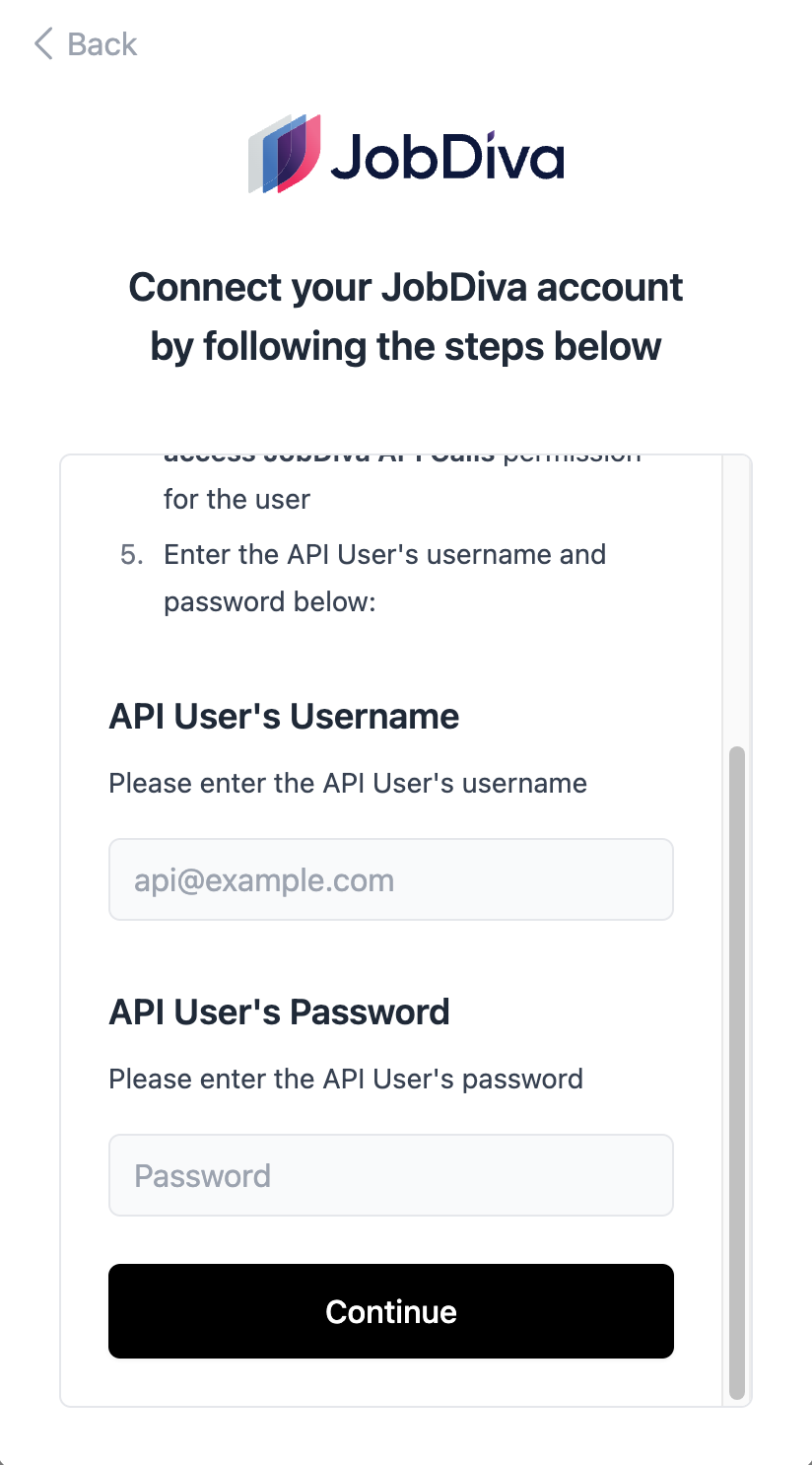
- Make sure to select the Only allow to access JobDiva API Calls permission for the user
- Enter the API User's username and password below: