Skip to main content
What do test results look like in Carerix?
- Log in to your Carerix instance
- In the sidebar, navigate to "Files" -> "Matches"
- Find the match (what Kombo calls application) you want to look at
- Double click to open the match
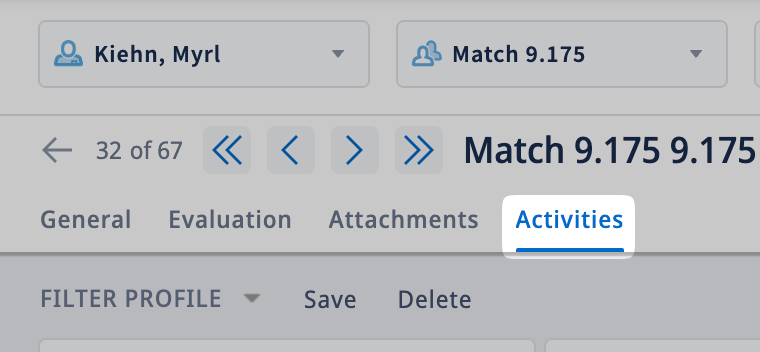
- In the horizontal menu at the top, navigate to "Activities"
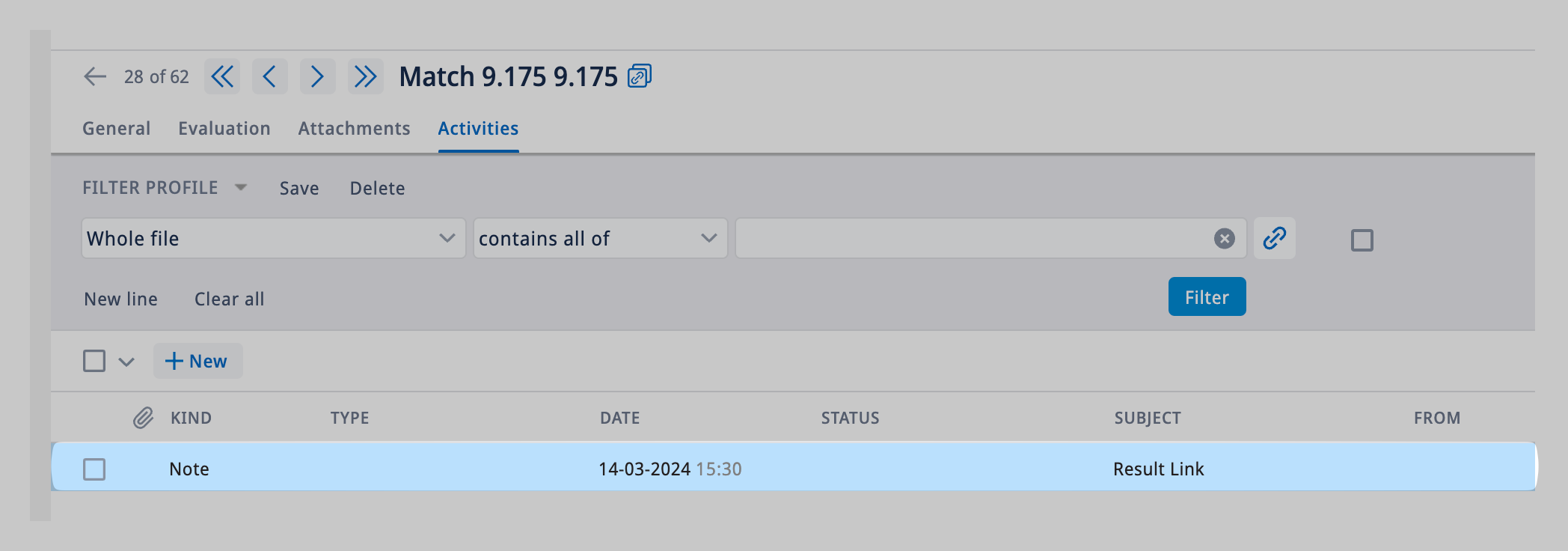
- Find the note with the subject: "Result Link"
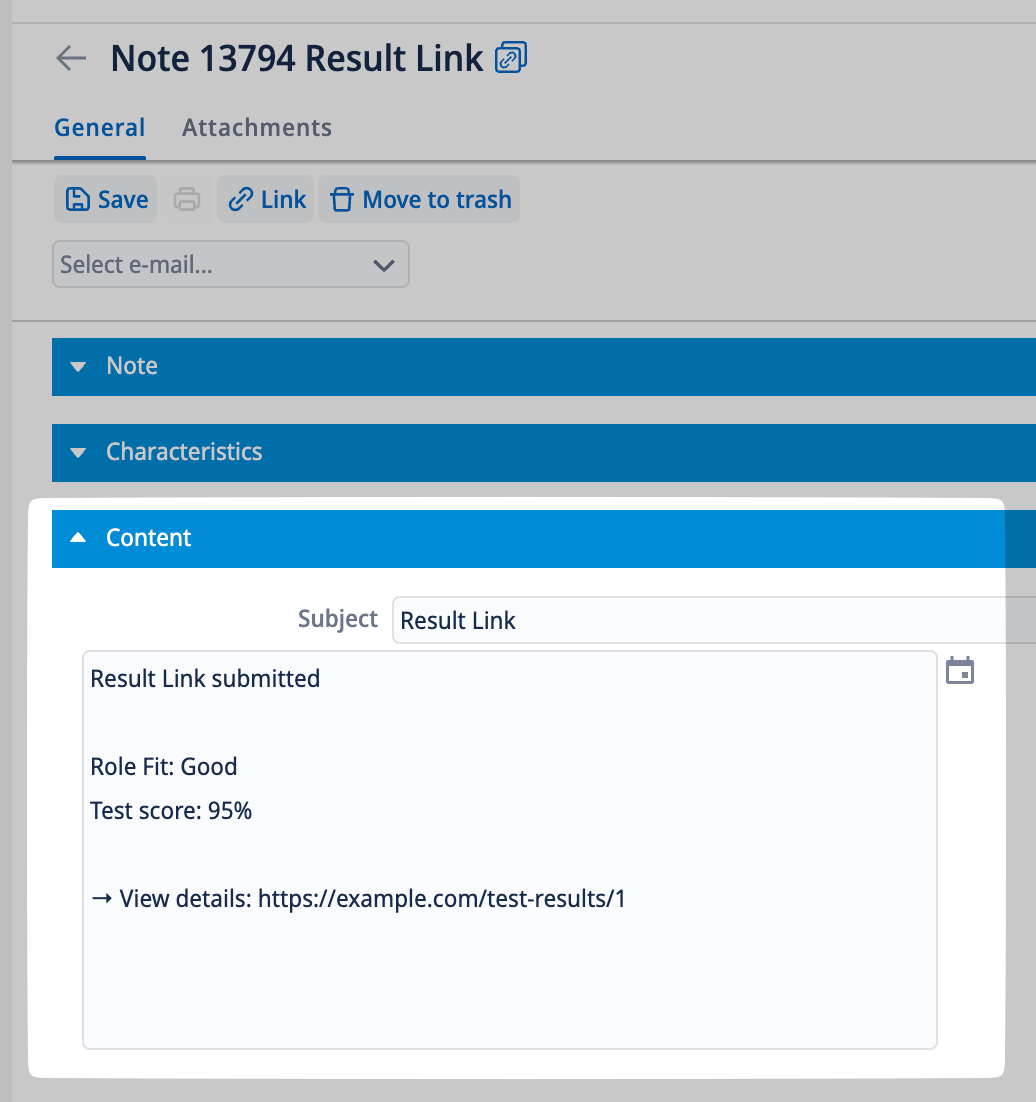
- See the test result under the "Content" section
-
-
-
-