Skip to main content
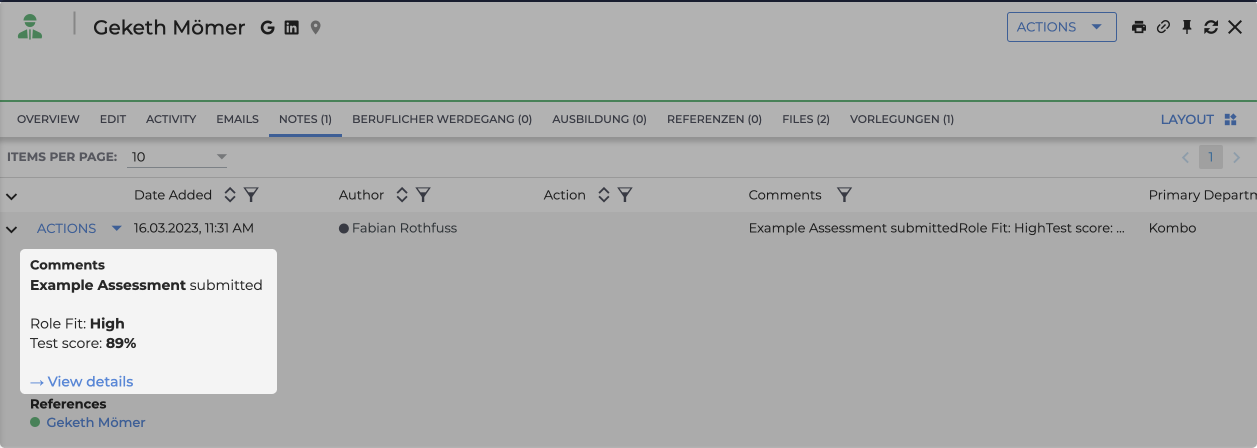
What do test results look like in Bullhorn?
- Log into your Bullhorn instance
- Click the "Find" button at the top left and search for your candidate
- Click on the candidate to open its view
- Open the "Notes" section to see the assessment